vllm is a popular python library for serving LLM.
I tested it on my local Ubuntu (I have windows and Ubuntu dual boot) and it worked great right off the shelf!
1. Installation.
installation of vllm is as easy as a pip install. because the inference is highly hardware dependent, depends on your hardware, you need to find the proper installation guide whether you have a nvidia card, a AMD card, a TPU, CPU etc. Sometimes, you even need to build from source directly to ensure the proper installation and best performance.
2. Check VRAM and GPU
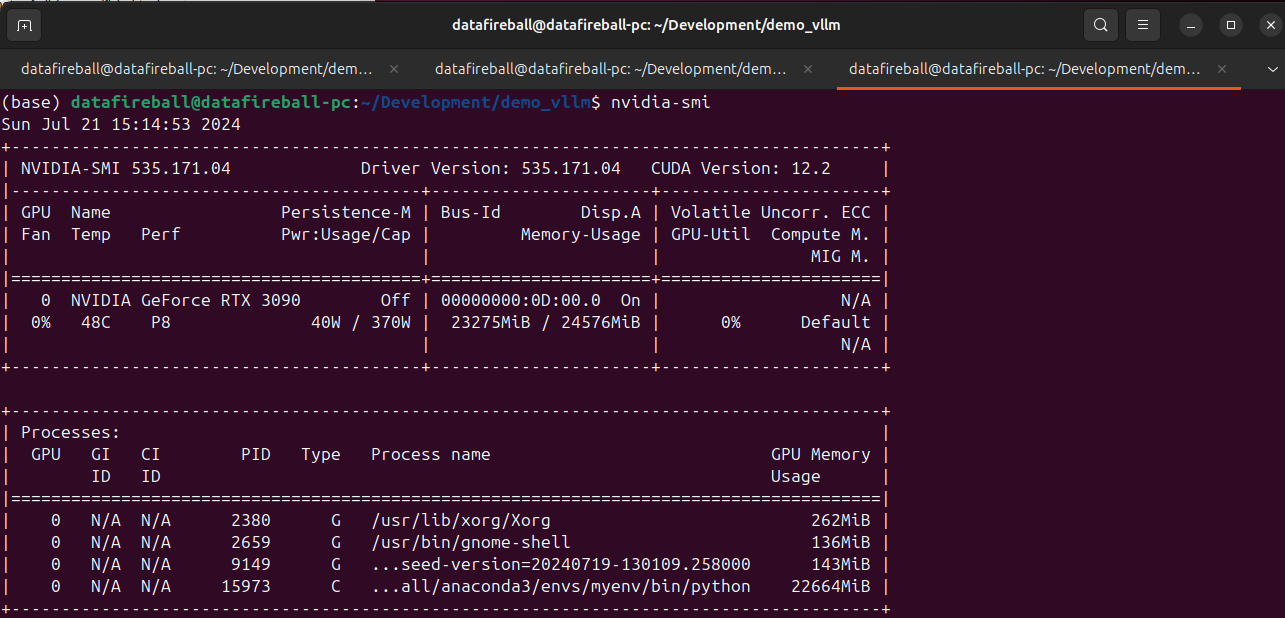
make sure you have sufficient VRAM to host the model. Here I have a 3090 with 24GB VRAM.

3. Download the model and Serve
vllm supports many SOTA models, here is a list of all the models that they support. I am testing phi3 microsoft/Phi-3-mini-4k-instruct which is small enough to set up locally. Meanwhile, by downloading the instruct model, I can later refer it within within the gradio chat window to explore the chat experience.


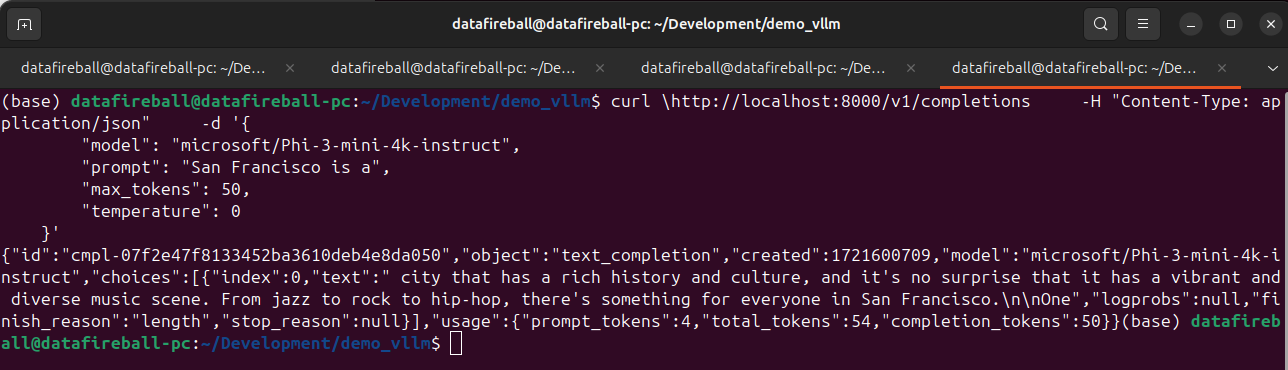
After the model is served, we can interact with the model via API, at this moment, vllm have 3 endpoints implemented, list models (screenshot below), chat completion and create completion endpoints. The vllm API is standardized in a way such that it is a drop in replacement for openai. You can literally take your existing openai code and replace the URL with localhost and your code should just work.

An interesting observation is that the VRAM of 3090 is almost fully occupied, not sure why.
4. Chat UI
vllm comes with many examples. One of the example is to set up a gradio openai chatbot so you can interact with the LLM.
python script.py -m microsoft/Phi-3-mini-4k-instruct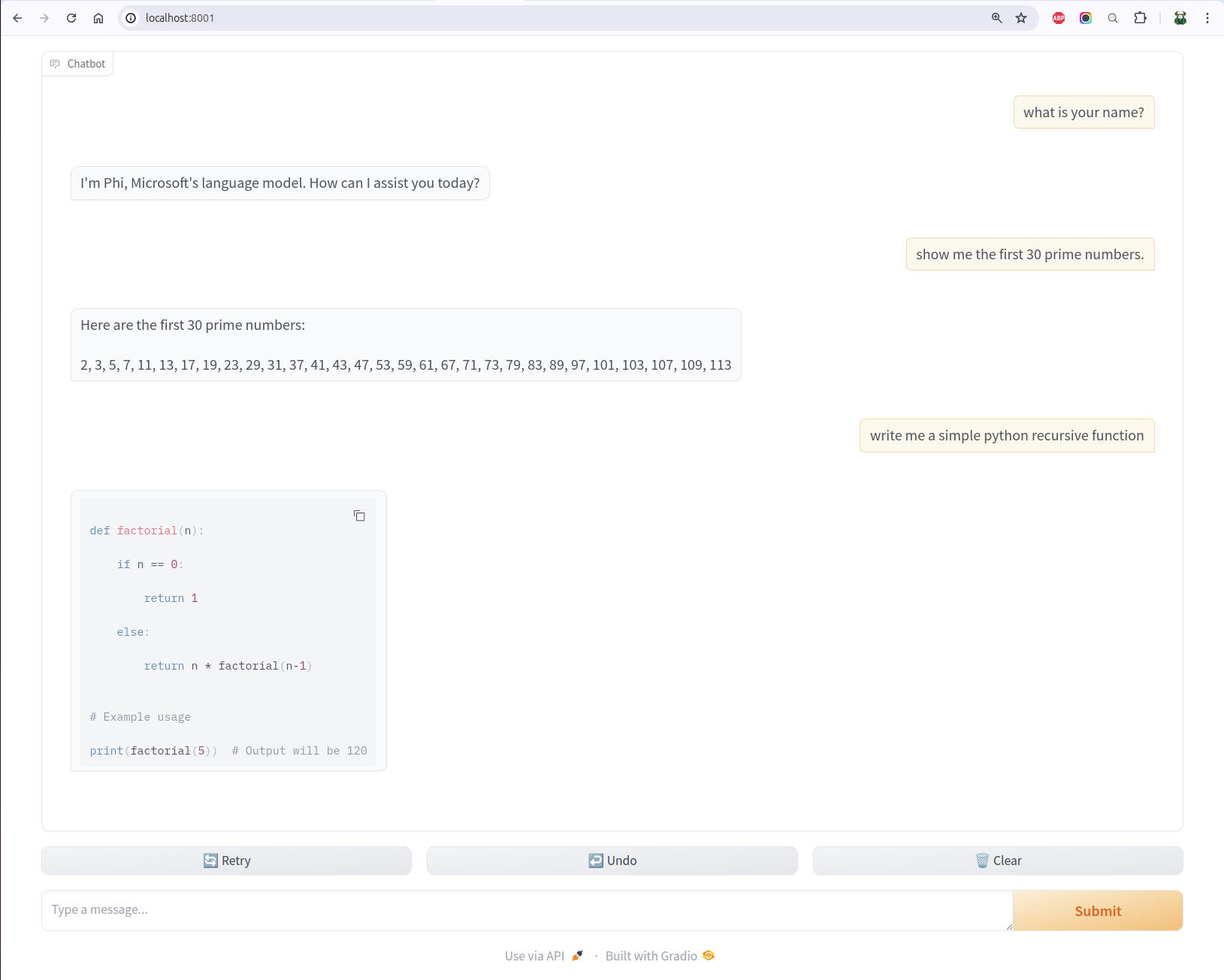
I have heard how even it is to set up model UIs using gradio. By looking into the source code of the UI script, it is so clean and easy, you basically only need to define a predict function by passing it the history and message.

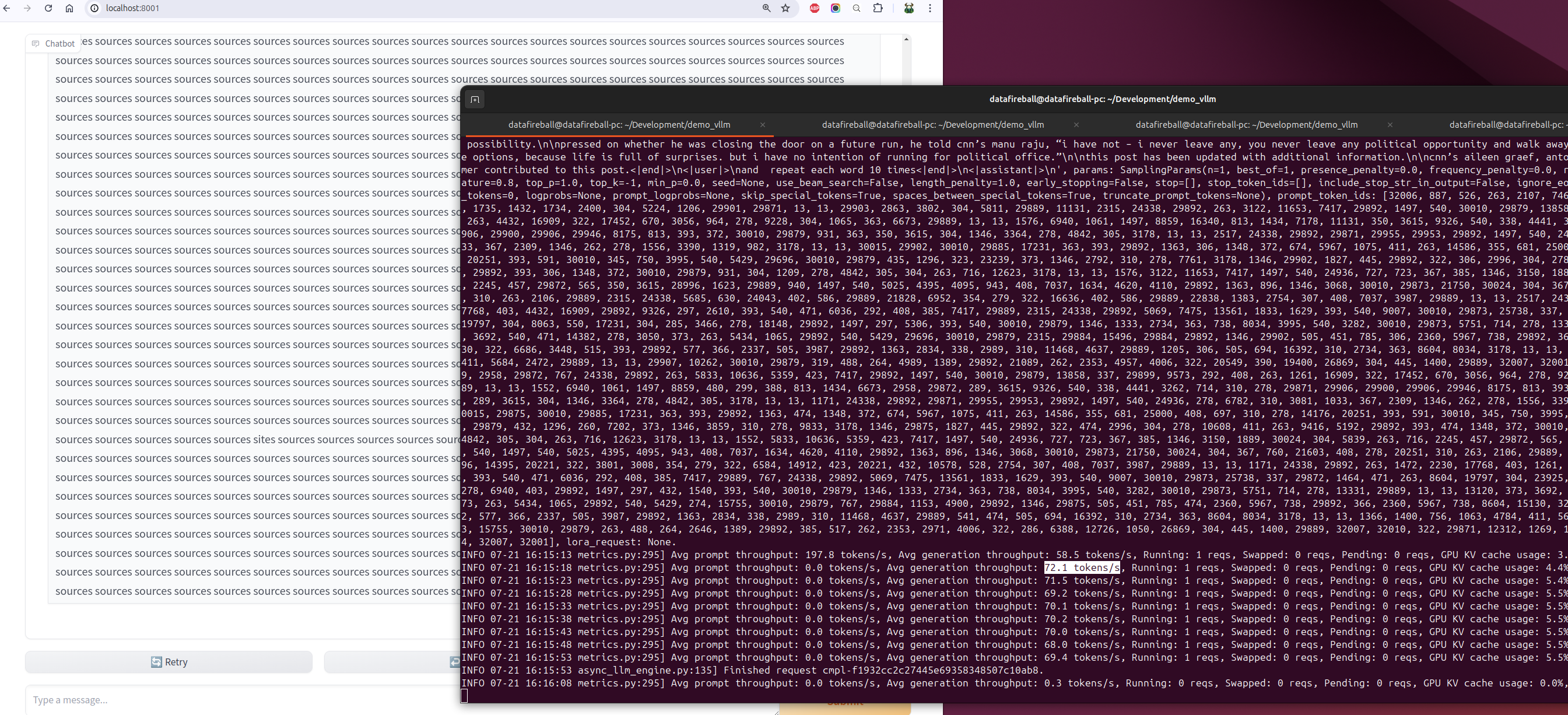
I also tested the throughput by instructing phi to repeat the same word multiple times for a while. During the time of the experimentation, the average generation throughput was about 70 tokens/s.
 datafireball