


Category Uncategorized
Raspberrypi – Hadoop Cluster New Gears Show off
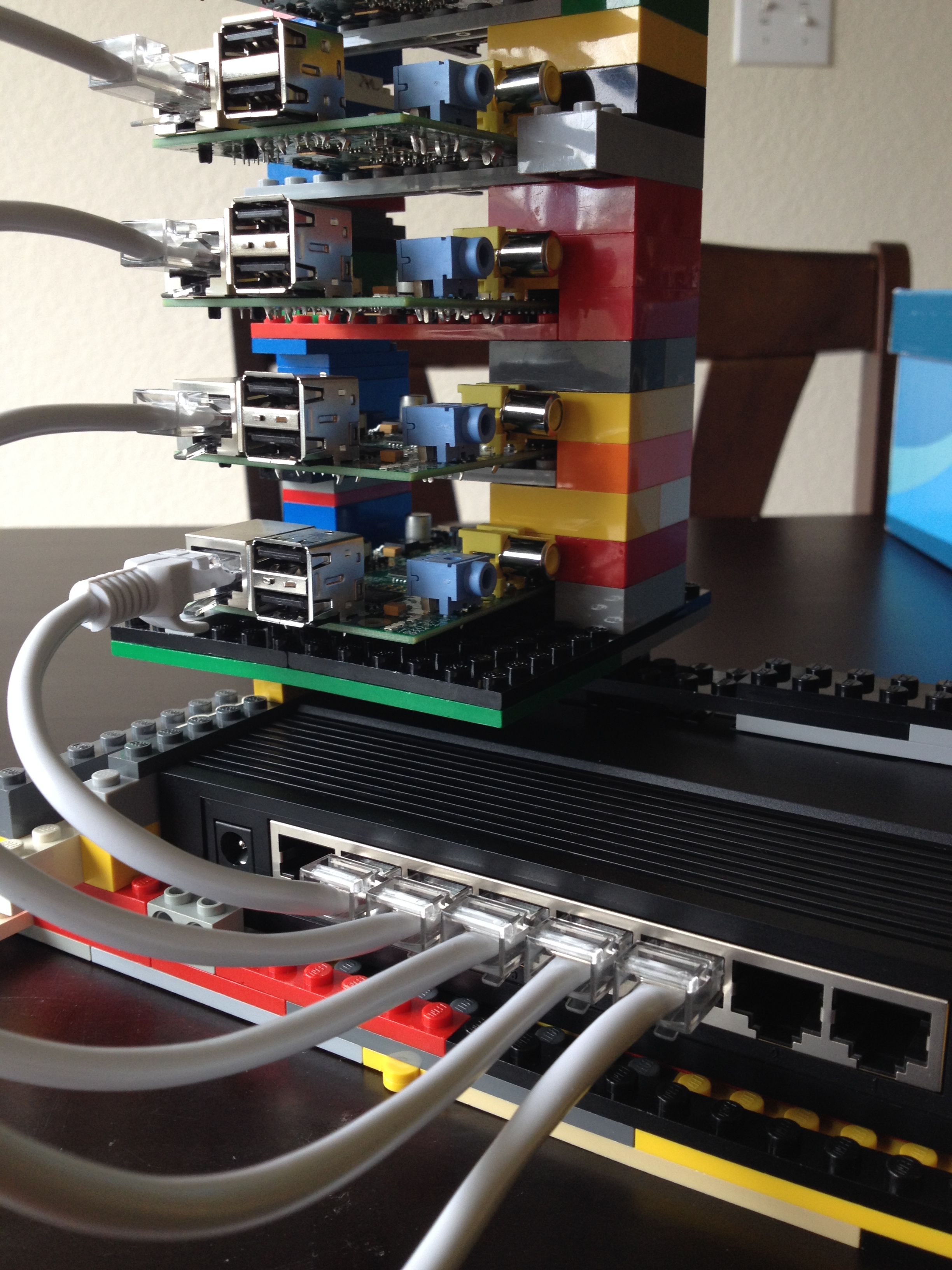
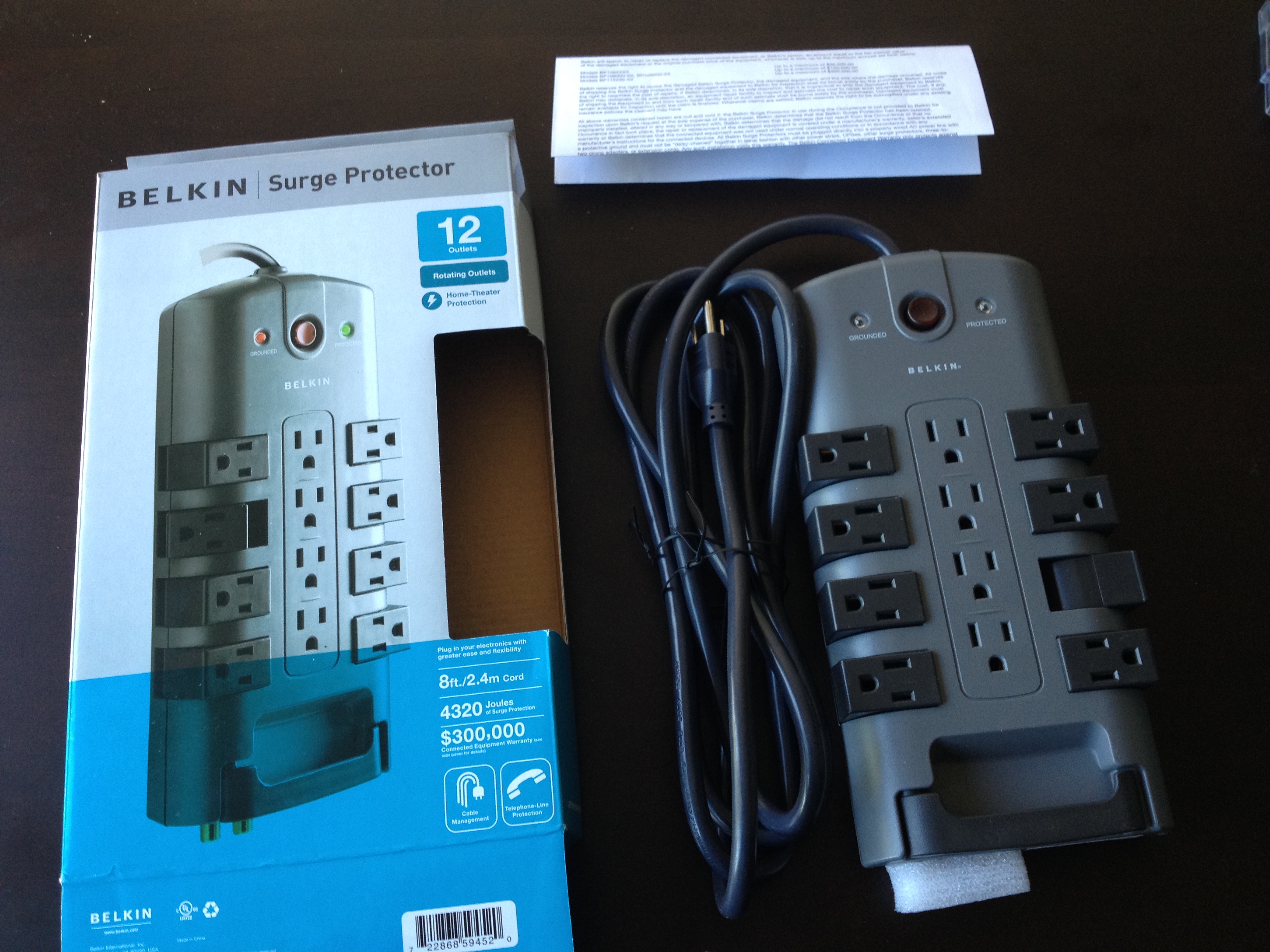
Last weekend, I gave it a quick POC of evaluating setting up hadoop on a few raspberry Pis. However, there was one Pi who only has 256MB RAM and also, the accessories were not complete and it was not perfect as I expected. Then I went ahead and bought a few gears from Amazon, a power outlet that has 12 sockets with rotating connector which will totally handle the raspberry pi cluster, switch, laptop..etc. Also, I purchase another raspberry pi from Amazon, it is from the Canakit and contains a 2nd generation pi, power supply and a case, which I think is a nice bundle.

Docker on Windows/MacOS/Ubuntu
More information about Docker, click here.
I tried to install Docker on my Windows box by installing docker2boot and it worked most of the cases, but I failed to open up the flask server from my chrome, seems like the OS is blocking the port. Then I tried to install Docker on my OS assuming the unix-based Mac OS might have a better luck, however, it was even a worse user experience and it cannot do anything due to `docker file doesn’t exist…etc`..
In the end, to have a complete user experience, I started a Ubuntu Desktop virtual box on my beefy windows machine and I finished the tutorial and can see the page hosted by a Docker container.
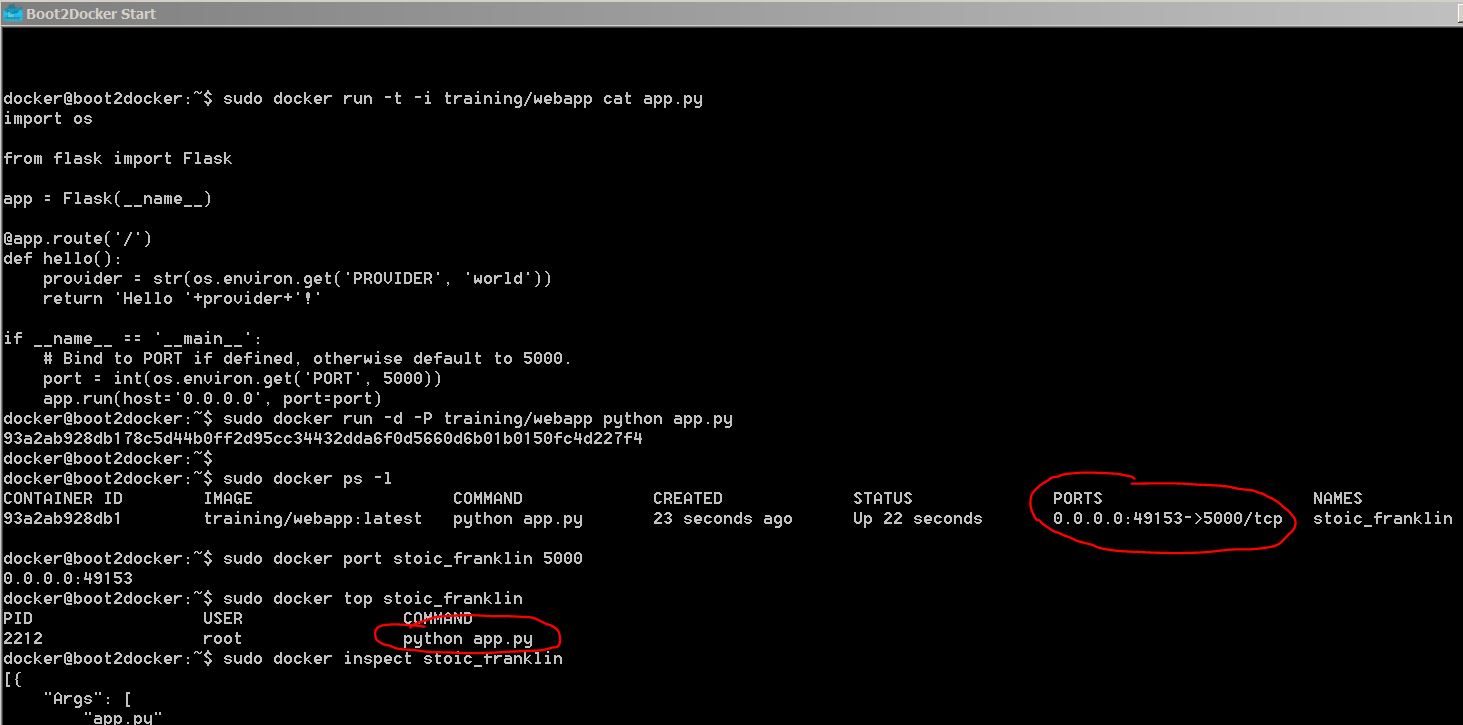
The command to kickstart a container who hosts a flask server to return hello world

I can see the hosted page by the docker container
RASPBERRYPI HADOOP CLUSTER 4-Install Hadoop
Here, I wrote a play book to distribute the configuration files to the cluster.You can access the playbook from my github account.
Then run the command, format the namenode and start_dfs.sh


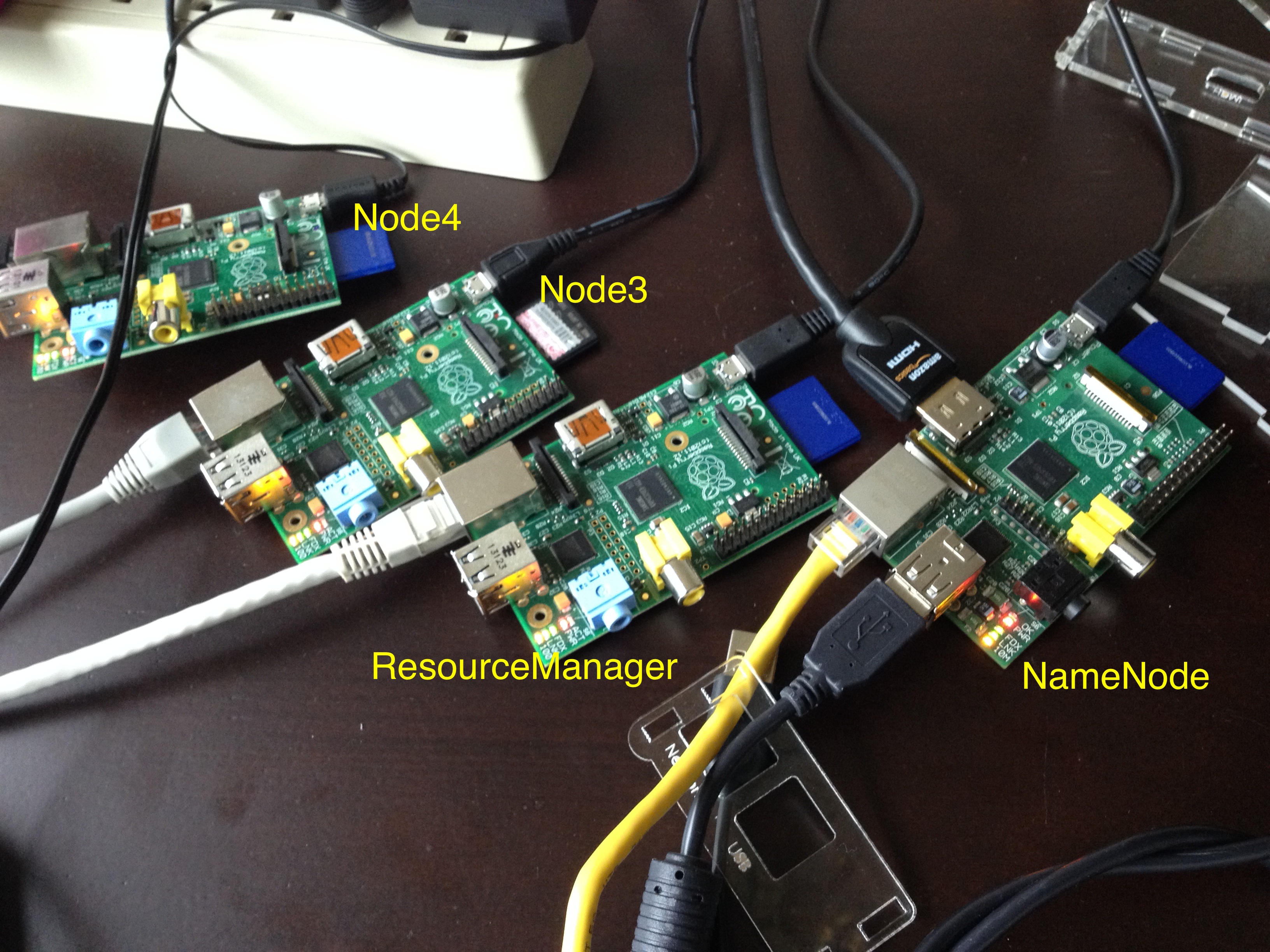
When you try to use HDFS, it will tell you the service is in safe mode and whatever you do, seems like you cannot turn off the same mode. I did some google and people say it is due to the replication number, in my case, I have four nodes, 1 namenode, 1 used as resource manager and two other nodes used as slaves/nodemanager/datanode. In which case, there will be at most 2 nodes to store data. However, the replication factor for HDFS is 3 out of box, which means the data will always be under replicated. Also, the resource is extremely limited on a raspberry pi whose memory is only 512MB.
Actually, when I was trying to change the configuration file of hadoop, so the big elephant will fit into the raspberry pi box. I noticed that the board that I was using as the name node is actually a board with 218MB. I remembered that I got this board when Pis first came out and I pre-ordered it for my friend Alex and myself. In this case, I need to switch the namenode probably with another data node so the namenode will have enough resource to get hell out of the safe mode.
- There are a few things that I might do in the future, maybe set up Fedora also on my beagleboard-xm which is more powerful than raspberry Pi…
- I can run a virtual machine in my laptop just to act as the namenode to drive the other PIs. I don’t know if I can read the img file from the current SD card and create a virtual machine on my box.
However, I can think I already got a lot of fun from what I have done in this weekend. Myabe I will do that in the future or not… And “认真你就输了” (You lose when you get serious!) 🙂
RASPBERRYPI HADOOP CLUSTER 3-Cluster Management
To manage a cluster, you really don’t want your workload to be proportional to the number of computers. For example, whenever you want to install a software, never ever ssh into every box and do the same thing again and again on every box. There are some tools available for this, puppet and chef are the two most famous ones. There is also another solution called Ansible which is an agent-less management tool implemented in Python, which is actually the tool that I am using because it is (1) agent-less (2) light weight (3) python
yum install -y ansible
vi /etc/ansible/hosts
[cluster]
node[1:4]
ansible cluster -m command -a “yum install -y python-setuptools”
ansible cluster -m command -a “yum install -y python-pip”
ansible cluster -m command -a “easy_install beautifulsoup4”
ansible cluster -m command -a “yum install -y java-1.7.0-openjdk”
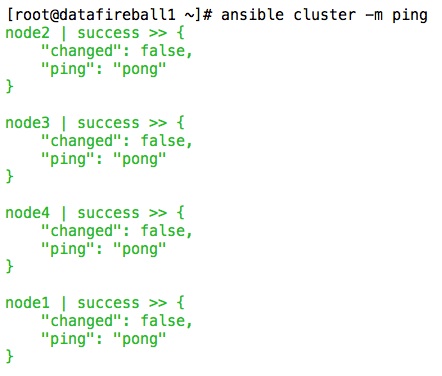
This is a screen shot of the command that I run, “cluster” is actually the group name which is all the data nodes.
RaspberryPi Hadoop Cluster 2-Network Hardware
Since we are trying to build a cluster, regardless it is PIs or PC… we need network cable. I actually don’t have enough short CAT5 cables, I need to use the tools that I have to make a few and also fix the ones that have broken headers like this.
Actually, it is a lot of fun to make cables, you just need to have the right tool and curiosity, it will be fun, trust me. Here is a video from youtube that helped me a lot.
And here is a few pictures that I took.

This is where the magic happens, pay attention to the silver tooth, which actually presses the copper pins of the header, which cuts the isolators of the wire and get them connected. Also, on the other side of the tool, the header will get clipped with the wire.
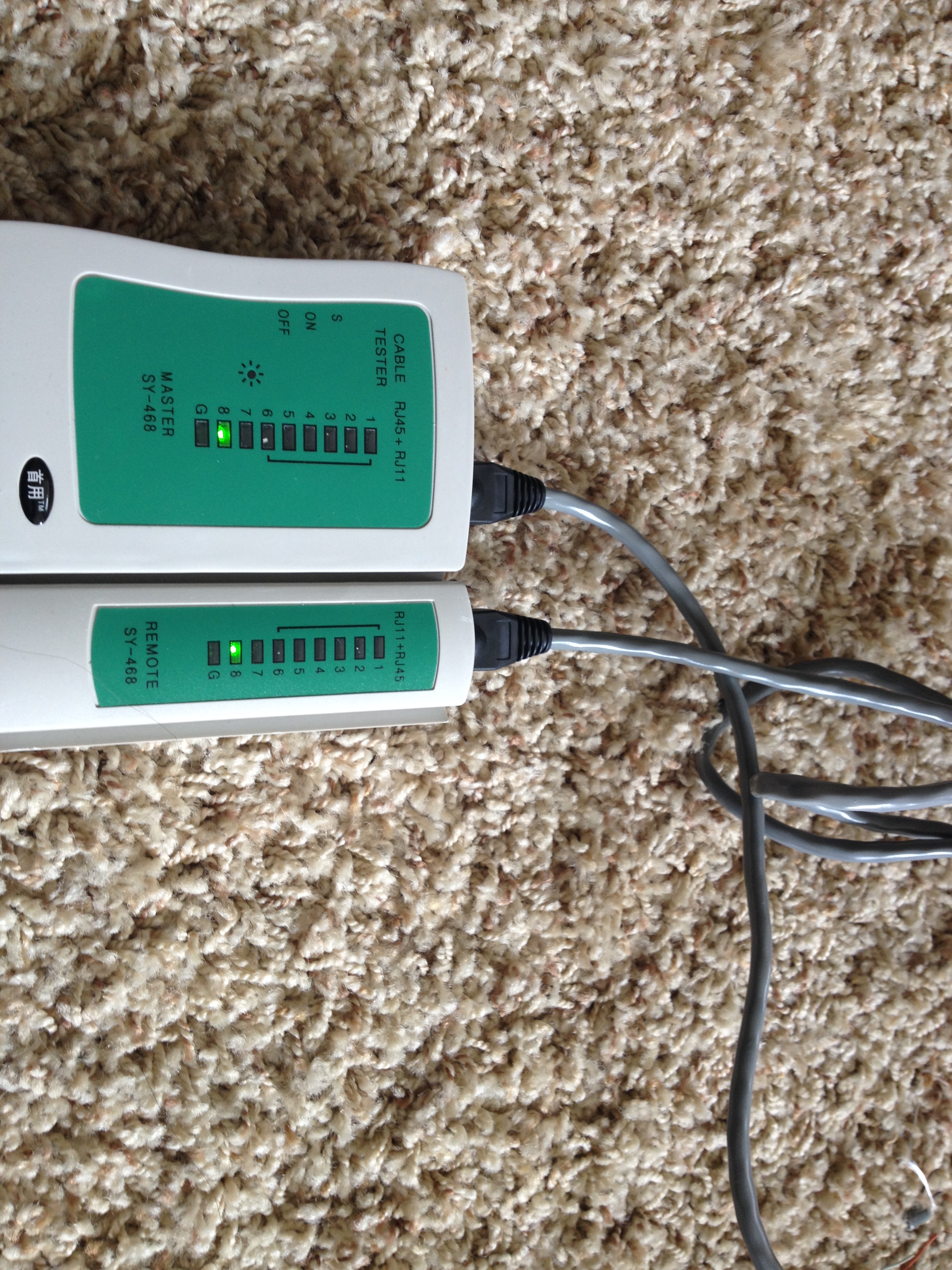
A cheap network tester will save you a bunch of headache and you see the new cable works perfectly.
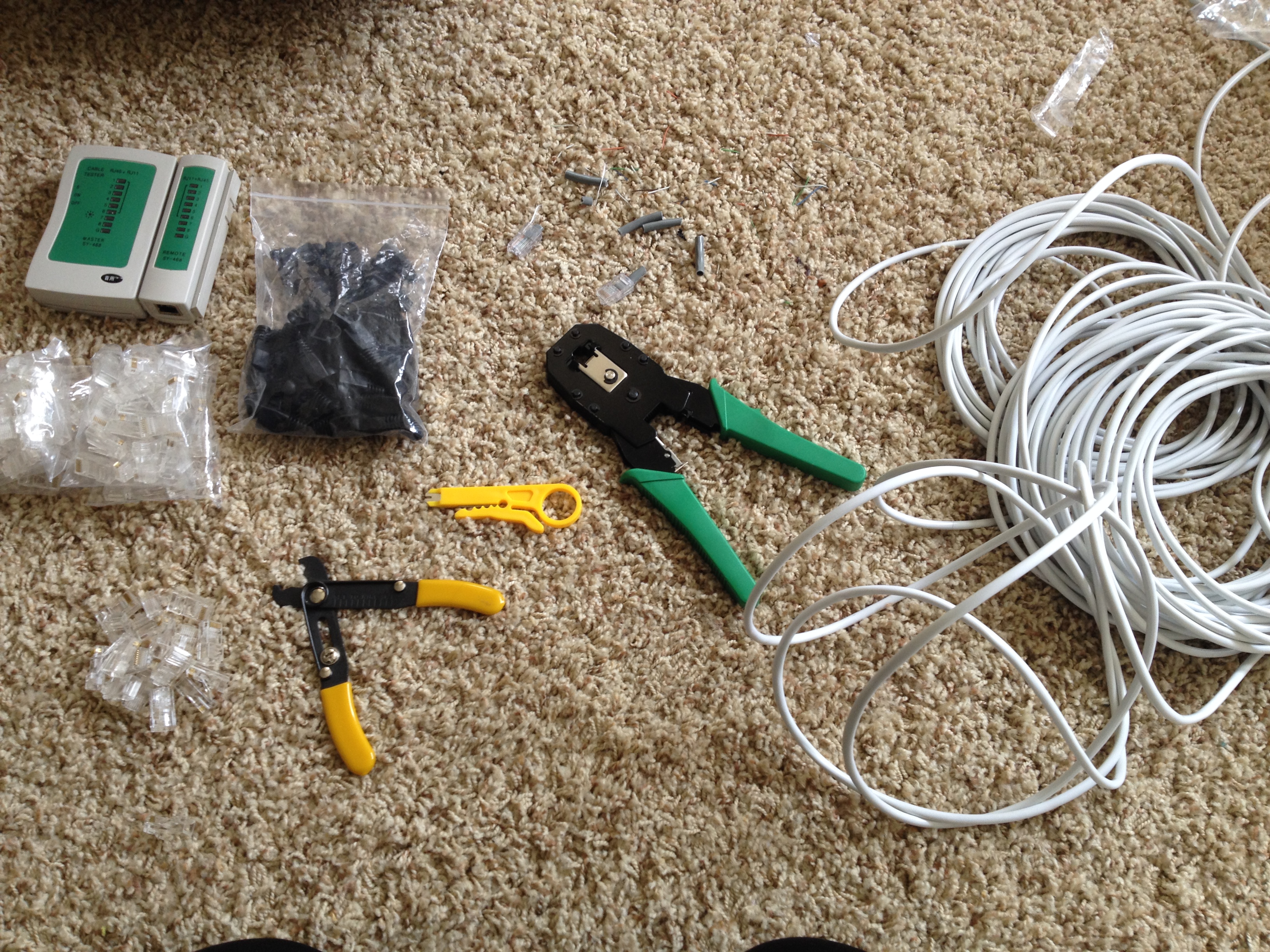
All the tools that I have been using.
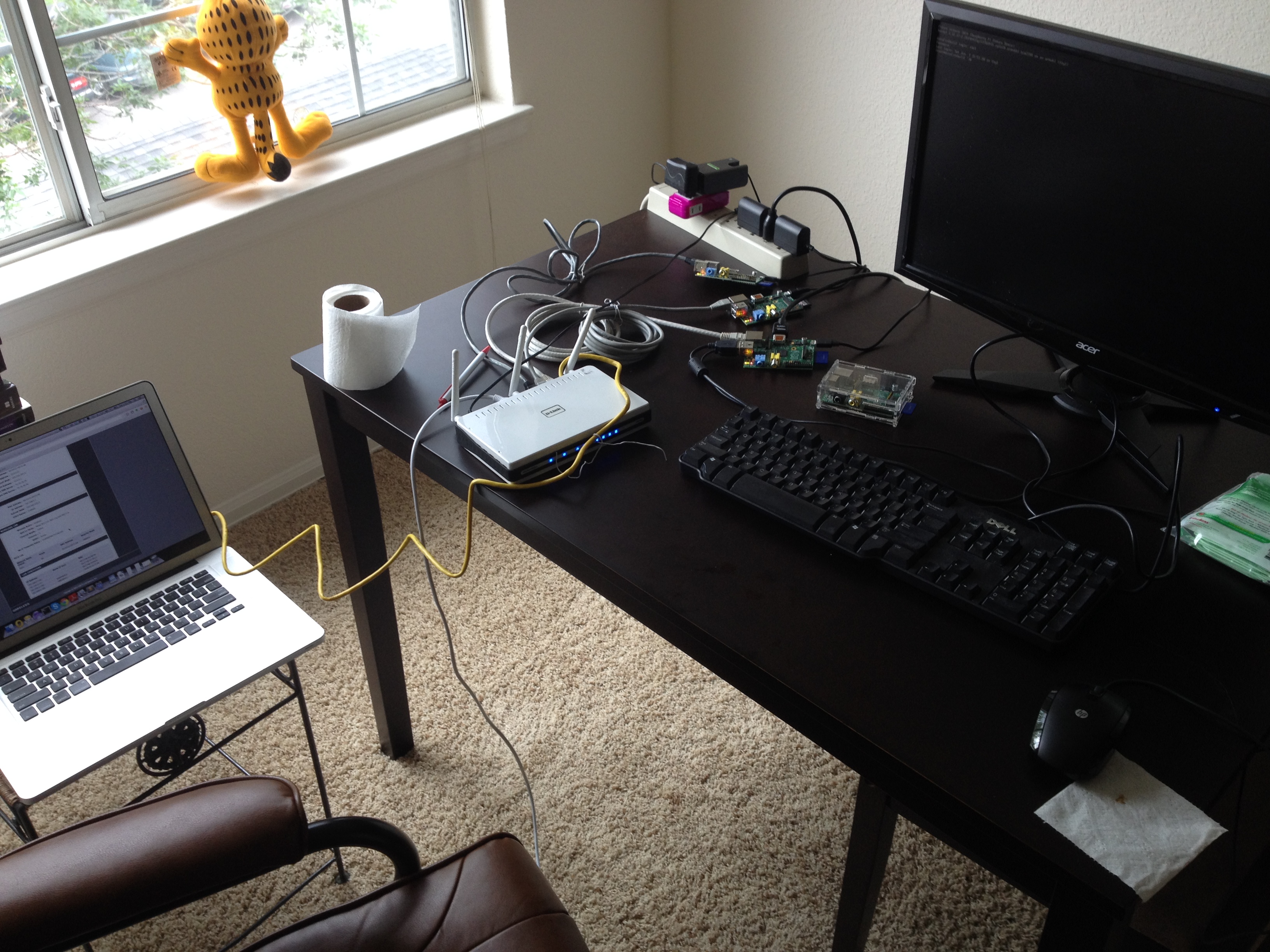
Final set up.
RaspberryPi Hadoop Cluster 2-Network Software
I have an extra router which is a DLINK – DIR-655, there are one input ethernet port and four output ethernet ports. In this case, you use a network cable to connect the one of the output ethernets of the home router to the input of this cluster router. Now you have a local network, that I will connect the four raspberry PIs that I have to the physical ethernet ports and also connect my Macbook to the wireless of the cluster router. To make things easier, I reserved the IP addresses in the router DHCP settings, so whenever you plug or unplug the power/network cable.etc, your raspberry PI will also be assigned the same IP address since we created the MAC address to IP mapping in the router settings.

Also, to make things easier, I made datafireball1, which supposed to be the master node can log into the other nodes password-less, which requires you to use ssh-keygen command to generate a key id_rsa.pub and copy that file to the .ssh folder every nodes, including the datafireball1 itself, and rename the file to authorized_keys. You probably want to ssh from datafireball1 to the other nodes first because it will ask you for the first time do you want to proceed or not and if so, add the all the nodes to the known_hosts. And from then on, you can log into the other nodes seamlessly.
A few notes that might help the others. Even the sshd service has been turned on as default but I did not see the .ssh folder, I have to manually create it for the first time. Also, you don’t need many keyboards or mouses to control all the raspberry PIs. Once you have the ssh set up. You can operate on your macbook which is a much more friendly environment.

RaspberryPi Hadoop Cluster 1-Image
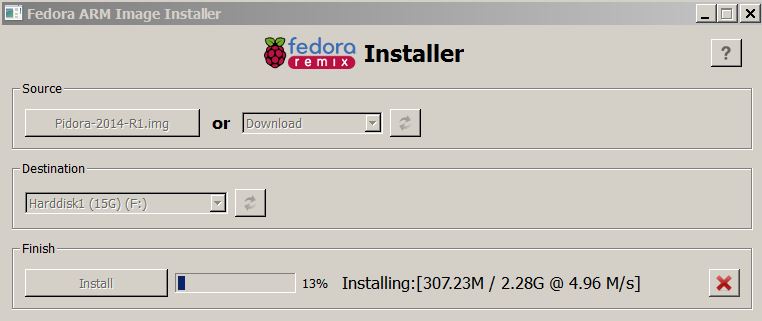
Burn image.
Download the installer here
Download the Installer and Fedora image here. (Centos doesn’t support ARM)

Walk through the installation in the graphic mode, user name, password, ..etc.
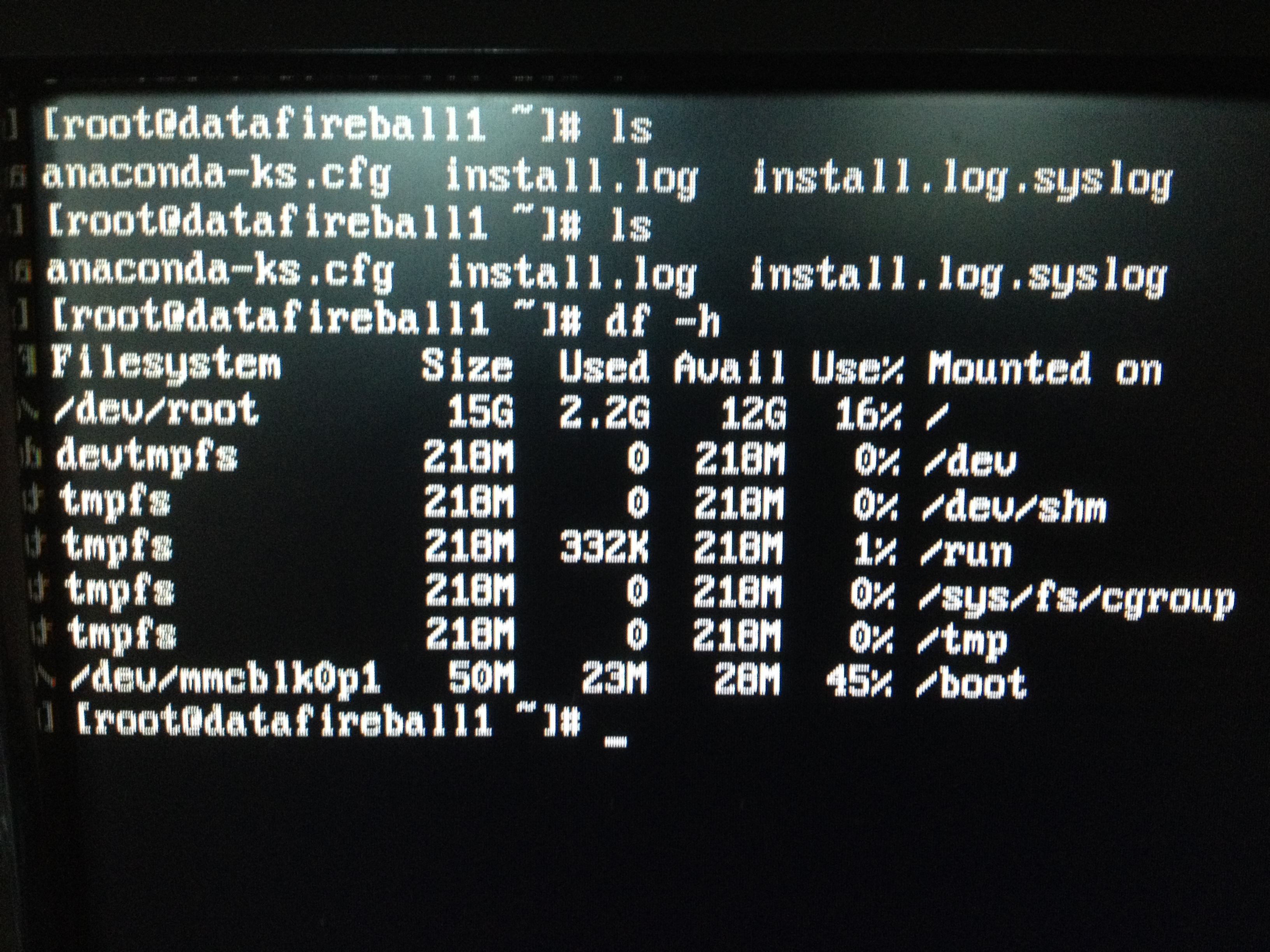
There you go, I am using a 16GB SD card.
rootless ssh AB
sar
ssh |
Hadoop The Definitive Guide Eclipse Environment Setup
If you like Tom Whites Hadoop the definitive guide book, you will be more excited and satisfied to try out the code yourself. It is possible that you can use Ant or Maven to copy the source code into your project and configure it yourself. However, the low hanging fruit here might be just use git to clone his source code into your local machine and it will almost work out of box. here I took a few screen shots loading his code in Eclipse environment and hopes and be helpful.
1. Get Source Code.
Tom’s book source code is hosted in github, click here. You can submit issues or ask the author himself if you have further questions. I git cloned the project into my Eclipse workspace – a brand new workspace called EclipseTest.

2. Load Existing Maven Project into Eclipse.
Then you need to open up eclipse, and click File -> Import -> Maven -> Existing Maven Projects. Since every chapter could be a separate maven project and I imported the whole book, every chapters and also the tests&example code for sake of time.

When you try to load the maven projects, it might report errors complaining missing plugins .etc. Give it a quick try if you can just simply find the solution in Eclipse market place to make the problem go away, if not, then just keep importing with errors. In my case, I was missing maven plugin 1.5..etc. which lead to a situation that I have some problem building chapter4 only.. However, that is good enough for me since I can at least get started with other chapters or examples.
I also took a screen shot of the output file so you can have an brief idea of how the output should look like.

3. Run Code.
Now you can test any examples that built successfully within Eclipse without worrying about environment. For example, I am reading Chapter7. Mapreduce types and formats which he explained how to subclass the RecordRead and treat every single file as a record. And he came up with a paragraph of code to concatenate a list of small files into sequence file – SmallFilesToSequenceFileConverter.java. I already run the start-all.sh from the hadoop binary bin folder. And I can see the hadoop services(Datanode, Resource Manager, SecondaryNameNode..etc.) are currently running. You need to configure the Java Run Configuration, so the code knows where to go for the input files and so does for the output files. After that you can just click run, and bang! code finishes successfully.


 datafireball